Send Notifications from WordPress
Receive instant push notifications for WordPress and WooCommerce events.
Pushinator lets you receive real-time push notifications on your iPhone and Android devices when important events happen on your WordPress site.
Install the plugin and get your API token
Pushinator will be available in the WordPress Plugin Directory soon. For now, you can download the plugin from GitHub and install it manually.
Download the plugin folder from GitHub and upload it to /wp-content/plugins/, then activate it in the WordPress admin panel.
Next, log in to the Pushinator Console and create a channel (e.g., "MySite-Events"). Save the Channel ID, obtain an API token and save it for later use too.
Install the Pushinator mobile app from the App Store or Google Play and subscribe by scanning the channel QR code.
Configure plugin settings
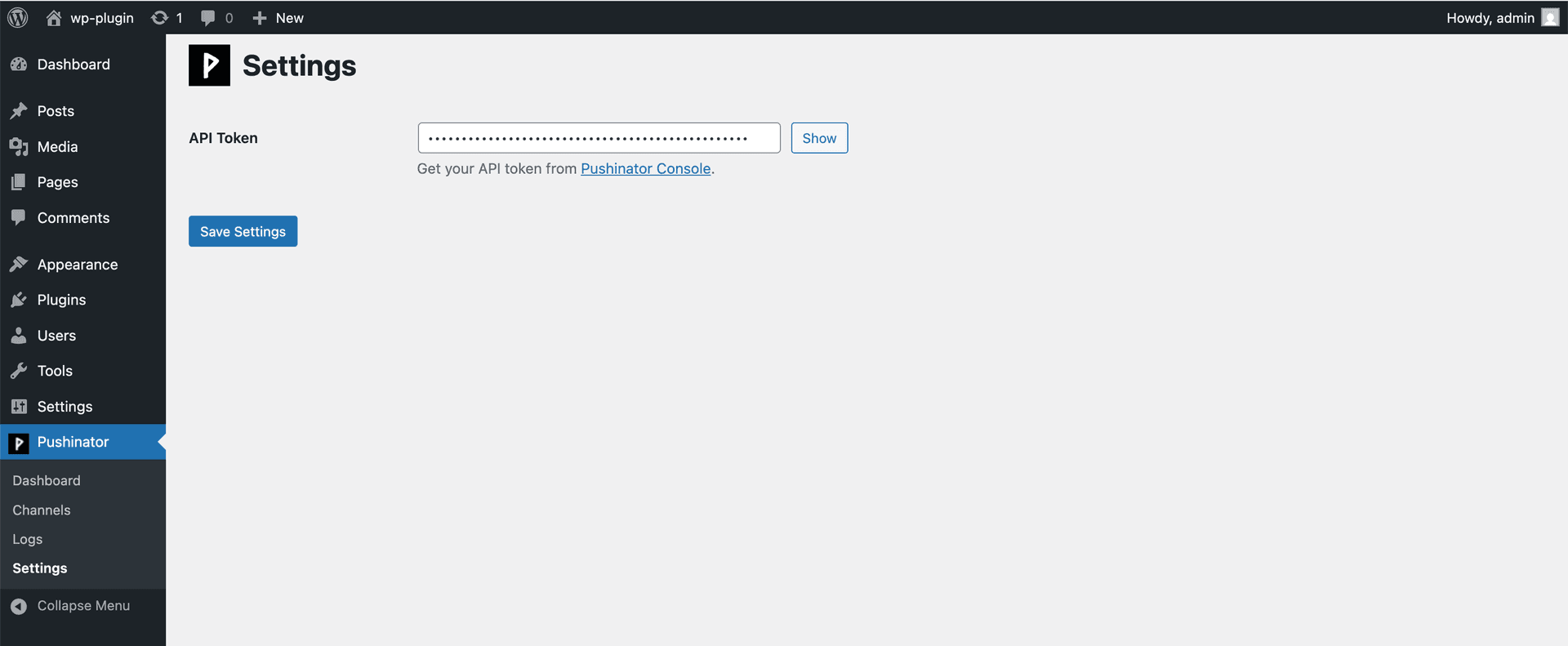
Open Pushinator → Settings and paste your API token. This token is used to authenticate all notification requests.
Create notification channels
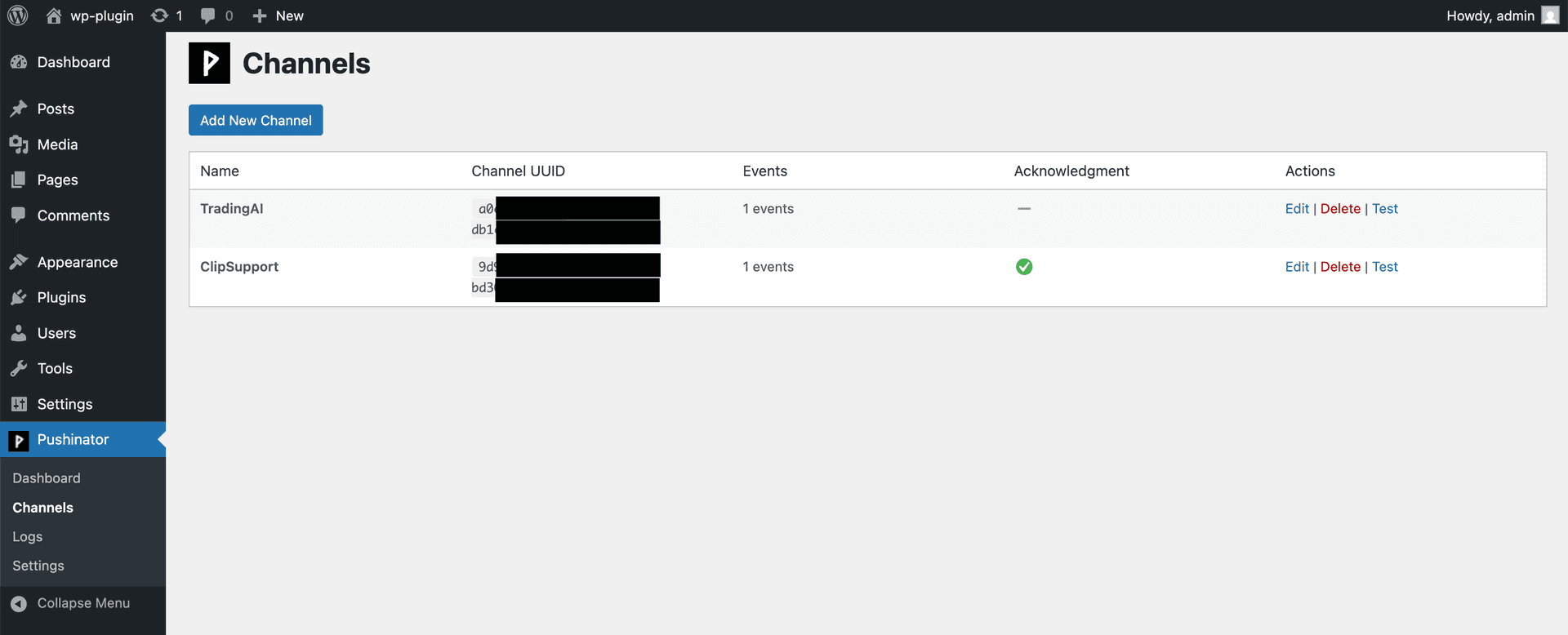
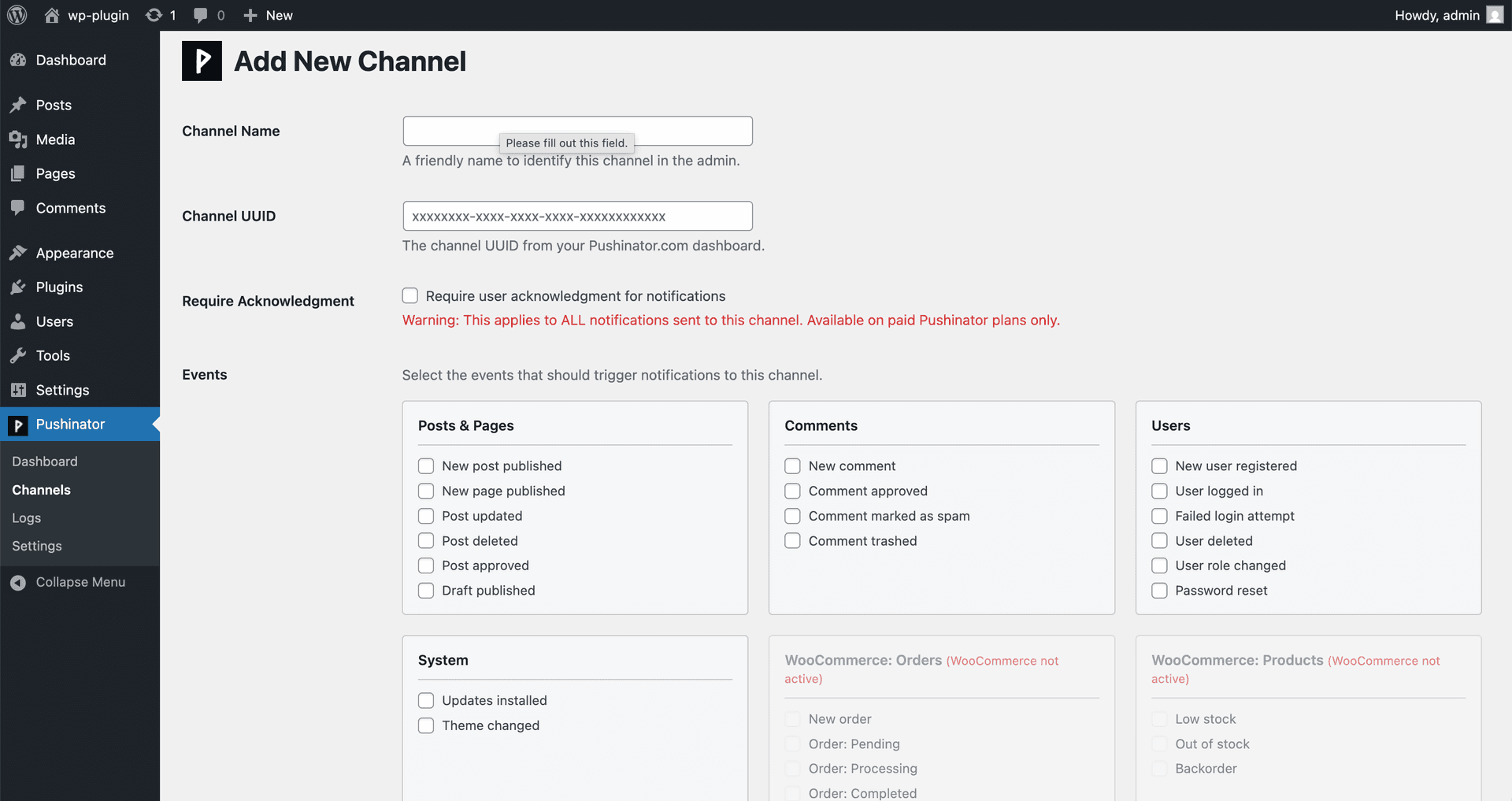
Go to Pushinator → Channels and create a new channel. Select which WordPress or WooCommerce events should trigger notifications.
Monitor notifications
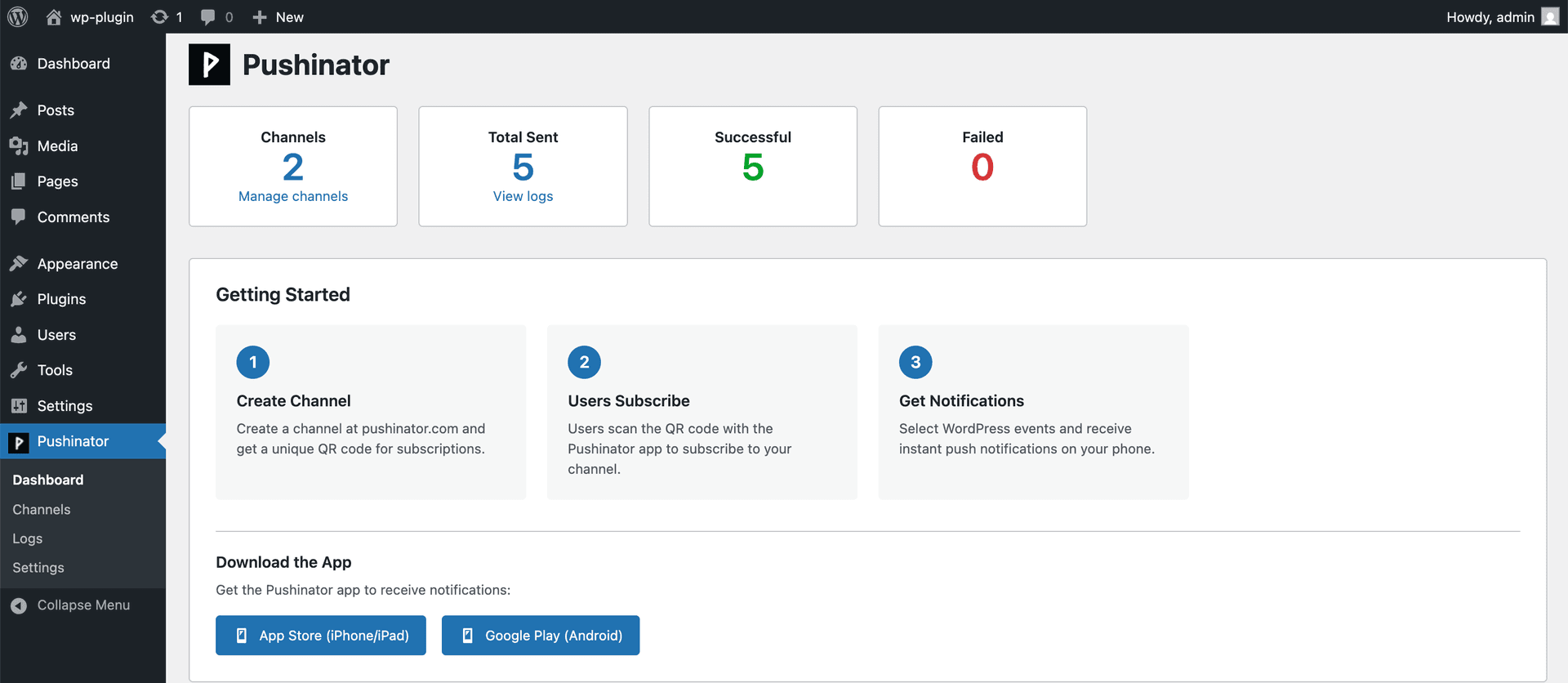
Use the dashboard to get a quick overview of channels and recent activity. All sent notifications are recorded with delivery status.
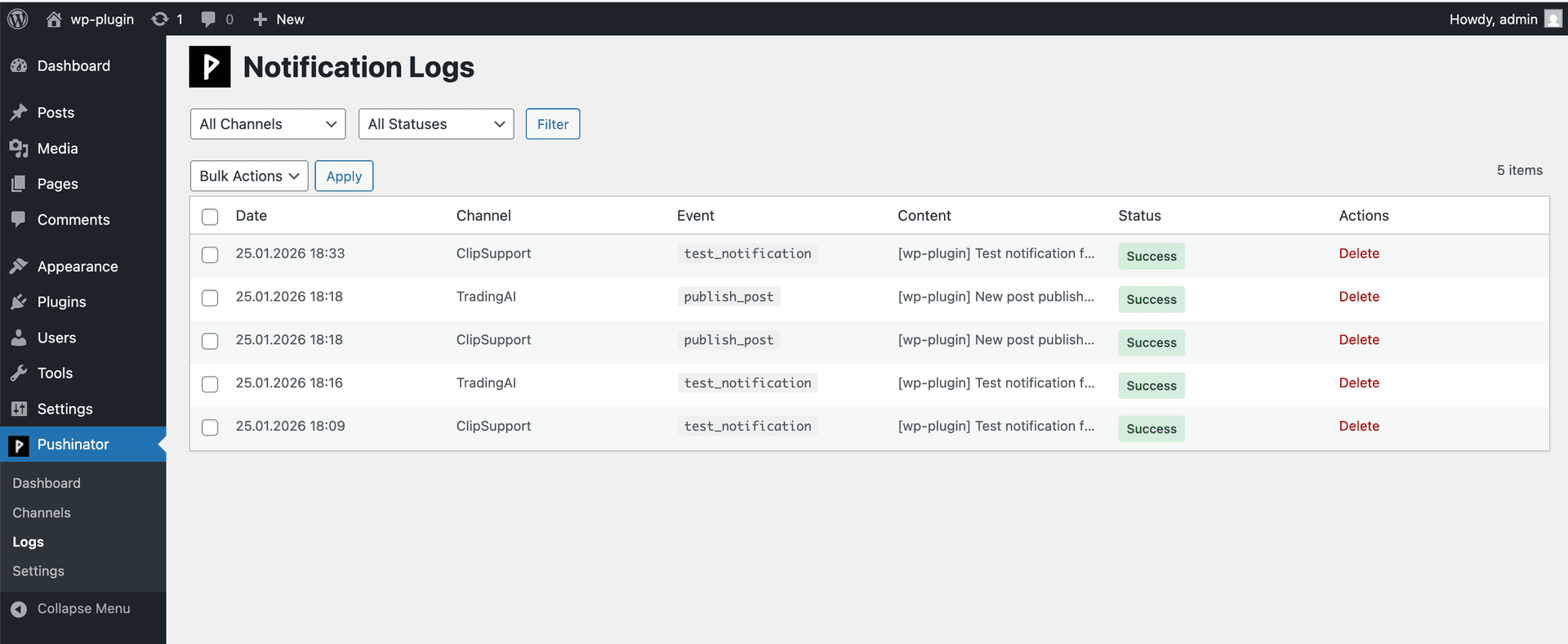
That’s it. Pushinator will now send instant push notifications to your devices whenever selected events occur on your WordPress site.
Need help?
Drop us a message at [email protected], and we will try our best to assist you. Feel free to request a feature or integration, or let us know if there are any issues on our side.